

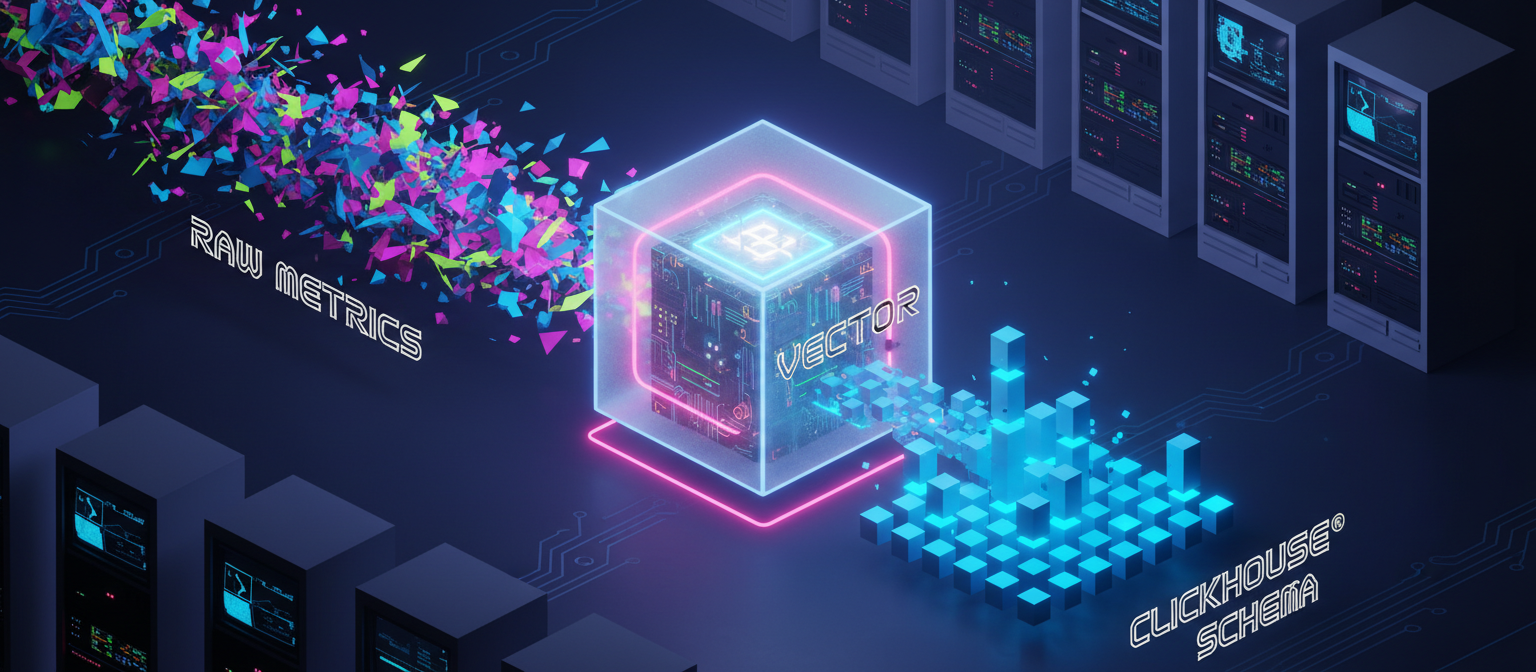
Designing a metrics pipeline is only the first step.
In the previous part, we explored how moving from Telegraf to Vector introduced a clearer, pipeline-driven approach for ingesting data into ClickHouse.
The real complexity begins when you transform, validate, and align raw metrics with the target schema.
In practice, most pipeline failures occur during transformation and ingestion – not collection. This article focuses on how transformations and debugging enable reliable metrics pipelines using Vector and ClickHouse.
Why Transformations Are the Hardest Part
Systems collect raw metrics that are rarely in a format ready for direct ingestion into ClickHouse.
Common challenges include:
- Inconsistent field structures
- Data type mismatches
- Missing or null values
- Incorrect timestamp formats
Even when data collection works correctly, ingestion can still fail if you don’t handle these issues properly.
This makes the transformation layer the most critical part of the pipeline.
The Role of Vector Transforms
In Vector, transformations are handled using the Vector Remap Language (VRL).
Unlike simple mapping, VRL enforces structure and correctness:
- Fields must be explicitly handled
- Data types must be valid
- Errors must be resolved at transformation time
This strictness is what makes pipelines reliable – but also harder to implement initially.
Normalizing Metrics for ClickHouse
One of the key challenges in this pipeline was ensuring that both host metrics and GPU metrics follow a consistent schema before ingestion.
This required explicit control over:
- Metric selection
- Field naming
- Data types
- Timestamp formatting
- Tag structure
Without this normalization, ClickHouse rejects incoming data.
Normalizing Host Metrics
Host metrics collected via Vector are emitted in an internal metric format.
The first step was converting them into a log-like structure:
type: metric_to_logAfter that, a filtering and normalization step was applied.
1. Filtering Only Relevant Metrics
Instead of storing all available metrics, only a subset was selected:
- CPU usage
- Memory usage
- Network throughput
- Disk operations
Any metric not in this allowlist was dropped:
if !includes(allowed, string!(.name)) {
  abort
}
2. Mapping and Renaming Fields
Metric names were standardized to match the target schema:
"memory_total_bytes" → "mem_total"
"network_transmit_bytes_total" → "net_bytes_sent"
This ensured consistency in ClickHouse queries.
3. Converting Values to a Unified Type
Vector metrics may store values in different structures (gauge, counter).
These were unified into a single numeric field:
.value = to_float!(raw_val)4. Standardizing Metadata
Each record was enriched with:
host→ system identifiersource = "host"→ metric origintimestamp→ converted to Unix format
.timestamp = to_unix_timestamp!(parse_timestamp!(.timestamp, "%+"))5. Cleaning and Preserving Tags
Only relevant tags were retained and converted into a consistent structure:
.tags = cleanedUnnecessary internal fields were removed to keep the payload minimal.
Normalizing GPU Metrics
GPU metrics required additional processing compared to host metrics.
These metrics were collected using nvidia-smi, which outputs raw CSV data.
1. Parsing Raw GPU Output
Each row was split into structured fields:
- GPU index
- GPU name
- Utilization metrics
- Memory usage
- Temperature
Invalid or incomplete rows were discarded early:
if msg == "" || contains(msg, "Failed") {
  abort
}
2. Converting to Structured Types
All numeric fields were explicitly cast:
.utilization_gpu = to_float!(...)
.memory_used     = to_float!(...)
.temperature_gpu = to_float!(...)
3. Standardizing Metadata
Similar to host metrics:
source = "gpu"hostaddedtimestampnormalized
4. Converting Wide Data into Row-Based Format
GPU metrics originally contain multiple values in a single record.
To align with ClickHouse schema, these were transformed into row-based format:
metric_name = "memory_used", value = 4000
metric_name = "temperature_gpu", value = 65
Each metric was emitted as a separate row using multiple transform stages.
5. Attaching Context via Tags
Each metric included contextual metadata:
.tags = {"gpu_index": ..., "gpu_name": ...}This enables flexible querying and aggregation in ClickHouse.
Why This Matters
From the pipeline perspective:
- Host metrics required filtering and renaming
- GPU metrics required parsing, restructuring, and fan-out
This highlights a key principle:
Data pipelines are not just about collecting metrics – they are about shaping data into a form that downstream systems can reliably consume.
Handling Timestamp Transformations
Timestamp handling turned out to be one of the most common failure points.
ClickHouse expects timestamps in specific formats. Raw metrics often provide timestamps in formats that are not directly compatible.
This required explicit parsing and conversion within the transform stage.
A typical transformation looked like:
.timestamp = to_unix_timestamp!(parse_timestamp!(.timestamp, "%+"))This ensures that:
- Incoming timestamps are parsed correctly
- Converted into a format suitable for ClickHouse
- Prevent ingestion failures due to format mismatches
Even small errors in timestamp handling can break the entire pipeline.
Example Vector Pipeline Configuration
Below is a simplified representation of a Vector pipeline used for metrics ingestion.
sources:
  host_metrics:
    type: host_metrics

  gpu_metrics:
    type: exec
    command: ["bash", "-c", "nvidia-smi --query-gpu=utilization.gpu --format=csv,noheader,nounits"]

transforms:
  parse_gpu:
    type: remap
    inputs: [gpu_metrics]
    source: |
      .metric_name = "gpu_utilization"
      .value = to_float!(.message)

sinks:
  clickhouse:
    type: clickhouse
    inputs: [host_metrics, parse_gpu]
    endpoint: "http://localhost:8123"
    database: monitoring
    table: metrics
    auth:
      strategy: basic
      user: default
      password: default
Debugging Pipeline Failures
Even with correct transformations, pipelines can fail in unexpected ways.
Effective debugging becomes essential.
One of the most useful approaches was monitoring ClickHouse error logs:
sudo tail -f /var/log/clickhouse-server/clickhouse-server.err.logThese logs provide direct insight into:
- Schema mismatches
- Invalid data formats
- Failed insert operations
An Unexpected Debugging Trap
During debugging, an unusual error appeared:
There exists no table monitoring.cpu in database monitoringThis behaviour was unexpected because:
- No such table (cpu) was defined in the current pipeline
- The configuration did not reference it
- The active Vector setup was not writing to that table
The investigation traced the issue back to a previously running Telegraf process.
Even after removing Telegraf configurations and switching to Vector, the Telegraf process was still running in the background and continuing to send data using an outdated configuration.
This resulted in misleading errors that were unrelated to the current pipeline.
Lesson: Validate the Runtime, Not Just the Config
This highlights an important but often overlooked aspect of debugging data pipelines:
Configuration changes alone are not enough – runtime state must also be verified.
In practice, this means explicitly checking:
- Whether any previous collectors (e.g., Telegraf) are still running
- Whether multiple agents are writing to the same destination
- Whether old processes are still emitting data after configuration changes
For example:
ps aux | grep telegrafIf such processes are found, they should be explicitly stopped before continuing:
sudo systemctl stop telegrafFailing to verify this can result in debugging the wrong system entirely.
The Debugging Loop
In practice, building the pipeline involved an iterative process:
Write transform → Run pipeline → Check logs → Fix → RepeatEach iteration helped refine:
- Field mappings
- Data formats
- Schema alignment
Over time, this resulted in a stable and reliable pipeline.
Key Takeaways
Building reliable metrics pipelines requires more than connecting tools.
Key insights:
- Transformations are the most critical stage of the pipeline
- Strict data handling improves reliability
- Debugging is a continuous and necessary process
- Observability into pipeline behavior is essential
Most importantly:
Reliable ingestion depends on shaping data correctly – not just collecting it.
Conclusion
Metrics pipelines are not just about data collection – they are about data correctness and flow control.
Using Vector for transformation and ClickHouse for storage enables flexible and scalable architectures.
However, achieving reliability requires careful attention to:
- Transformations
- Schema alignment
- Debugging practices
These elements define whether a pipeline works in production.
References
ClickHouse Data ingestion
Vector documentation
Telegraf Documentation