

Introduction
When most people think of interacting with a database, they think of a client library, a GUI tool, or a command-line interface. However, ClickHouse® offers something more flexible — a built-in HTTP API that allows you to query and manage your database using plain HTTP requests.
The ClickHouse® HTTP API makes it possible to interact with your database from virtually any programming language, tool, or platform that can send HTTP requests. Whether you are using Python, JavaScript, Go, curl, or even a simple shell script, the HTTP API provides a straightforward and universal interface to ClickHouse®.
In this blog, we’ll explore the fundamentals of the ClickHouse® HTTP API, understand how it works, and learn how to perform common operations using simple HTTP requests.
What Is the ClickHouse® HTTP API?
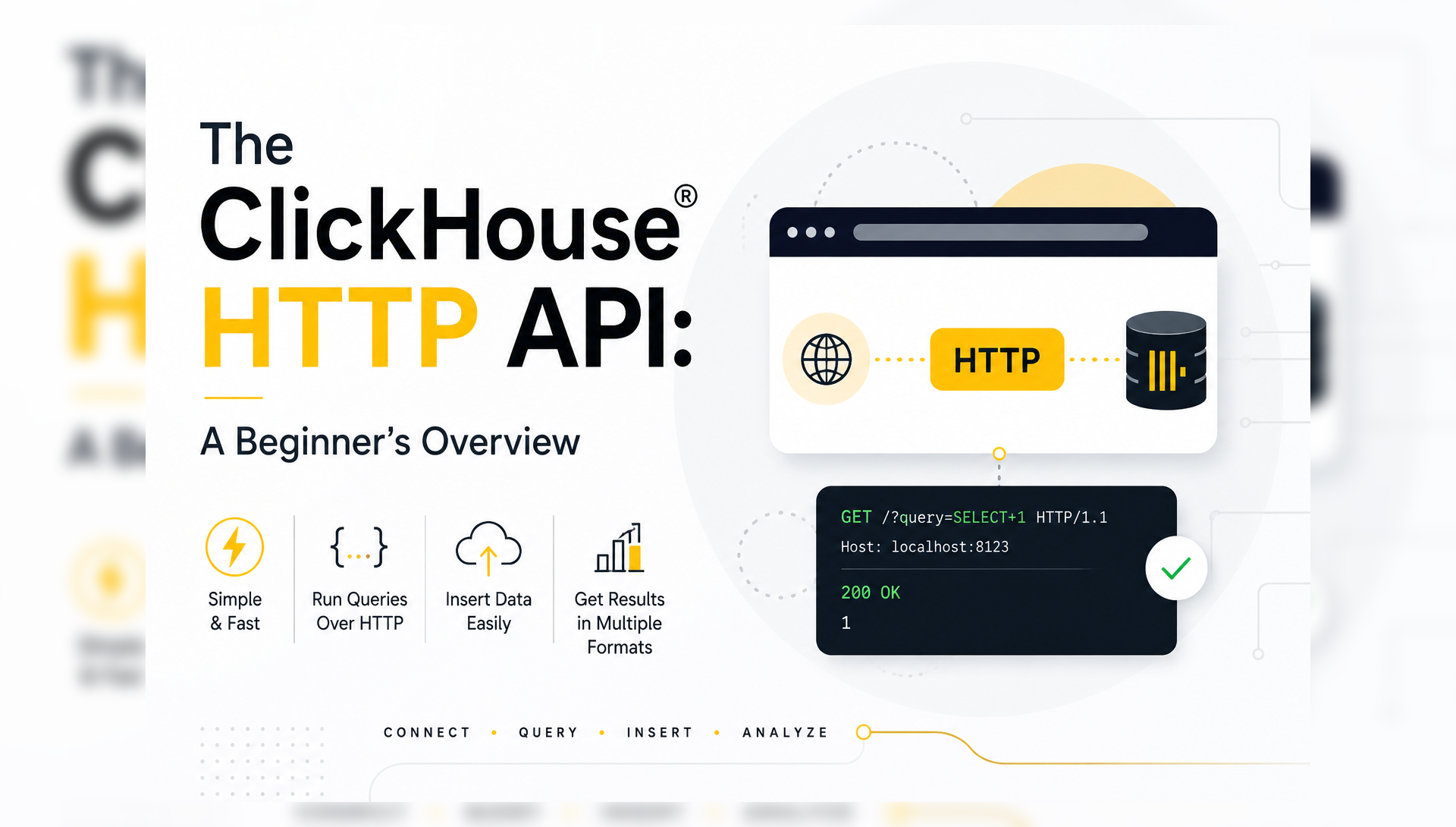
The ClickHouse® HTTP API is a built-in interface that enables communication with ClickHouse® over the HTTP protocol using standard requests. By default, it runs on port 8123 and supports both GET and POST methods. Rather than using a native database client, users can send HTTP requests directly to the ClickHouse® server and receive query results in various formats.
Unlike the native TCP protocol (port 9000), the HTTP interface is:
- Language agnostic — works with any tool or language that supports HTTP
- Firewall friendly — HTTP traffic is widely allowed across networks
- Easy to test — you can use curl, Postman, or a browser to test queries instantly
- Integration ready — compatible with REST-based pipelines and microservices
As a result, many developers use the HTTP API for quick testing, scripting, and lightweight data pipelines.
Application
      │
      ▼
HTTP Request
      │
      ▼
ClickHouse® Server
      │
      ▼
Query Execution
      │
      ▼
HTTP Response
Furthermore, the HTTP API supports all standard ClickHouse® SQL operations — SELECT, INSERT, CREATE, DROP, ALTER, and more. This makes it possible to access ClickHouse® from virtually any programming language or tool capable of making HTTP requests.
Understanding the HTTP Port
By default, ClickHouse® listens on the following ports:
| Interface   | Port |
|-------------|------|
| Native TCP  | 9000 |
| HTTP API    | 8123 |
Prerequisites
Before getting started, make sure you have:
- A running ClickHouse® instance
curlinstalled on your system- Basic familiarity with SQL and HTTP concepts
- ClickHouse® HTTP port
8123accessible
Step 1: Verify the HTTP API is Running
Before sending any queries, confirm that the ClickHouse® HTTP API is accessible.
Check the ping endpoint:
bash
curl http://localhost:8123/pingExpected output:
Ok.This confirms that the ClickHouse® server is reachable through the HTTP interface.
Step 2: Running Your First Query
The simplest way to send a query is via a GET request with the query passed as a URL parameter.
Using GET:
bash
curl "http://localhost:8123/?query=SELECT+version()"Output:
25.3.1.1ClickHouse® executes the query and immediately returns the result. Alternatively, you can use a POST request and pass the query in the request body, which is cleaner for longer queries. In fact, this method is commonly used when queries become too large to fit comfortably inside a URL.
Using POST:
bash
curl -X POST http://localhost:8123/ \
  --data-binary "SELECT version()"
Output:
25.3.1.1For queries with special characters or spaces, POST is always the recommended approach.
Step 3: Authenticating Requests
If your ClickHouse® instance requires authentication, pass the username and password with each request.
Method 1: URL parameters
bash
curl "http://localhost:8123/?user=default&password=yourpassword&query=SELECT+1"Method 2: HTTP Basic Auth (recommended)
bash
curl -u default:yourpassword \
  "http://localhost:8123/?query=SELECT+1"
Method 3: Request headers
bash
curl http://localhost:8123/ \
  -H "X-ClickHouse-User: default" \
  -H "X-ClickHouse-Key: yourpassword" \
  --data-binary "SELECT 1"
Among these options, using HTTP headers is the most secure approach, as credentials are not exposed in the URL or server logs.
Step 4: Selecting a Database
By default, queries run against the default database. To specify a different database, pass it as a parameter:
bash
curl -u default:yourpassword \
  "http://localhost:8123/?database=my_database" \
  --data-binary "SELECT count() FROM my_table"
Alternatively, use the fully qualified table name directly in your query:
bash
curl -u default:yourpassword \
  http://localhost:8123/ \
  --data-binary "SELECT count() FROM my_database.my_table"
Step 5: Querying Data
Basic SELECT Query
bash
curl -u default:yourpassword \
  http://localhost:8123/ \
  --data-binary "SELECT * FROM default.products LIMIT 5"
Output:
1    Laptop Pro 15    Electronics
2    Wireless Mouse   Accessories
3    Standing Desk    Furniture
4    USB-C Hub        Accessories
By default, ClickHouse® returns results in TabSeparated format. However, you can request different output formats depending on your use case.
Changing the Output Format
ClickHouse® supports many output formats. Here are the most commonly used ones:
JSON format:
bash
curl -u default:yourpassword \
  "http://localhost:8123/?output_format_json_quote_64bit_integers=0" \
  --data-binary "SELECT * FROM default.products LIMIT 3 FORMAT JSON"
Output:
json
{
  "meta": [
    {"name": "product_id", "type": "UInt32"},
    {"name": "name",       "type": "String"},
    {"name": "category",   "type": "String"}
  ],
  "data": [
    {"product_id": 1, "name": "Laptop Pro 15",  "category": "Electronics"},
    {"product_id": 2, "name": "Wireless Mouse", "category": "Accessories"},
    {"product_id": 3, "name": "Standing Desk",  "category": "Furniture"}
  ],
  "rows": 3
}
CSV format:
bash
curl -u default:yourpassword \
  http://localhost:8123/ \
  --data-binary "SELECT * FROM default.products LIMIT 3 FORMAT CSV"
Output:
1,"Laptop Pro 15","Electronics"
2,"Wireless Mouse","Accessories"
3,"Standing Desk","Furniture"
JSONEachRow format (one JSON object per line, useful for streaming):
bash
curl -u default:yourpassword \
  http://localhost:8123/ \
  --data-binary "SELECT * FROM default.products LIMIT 3 FORMAT JSONEachRow"
Output:
json
{"product_id":1,"name":"Laptop Pro 15","category":"Electronics"}
{"product_id":2,"name":"Wireless Mouse","category":"Accessories"}
{"product_id":3,"name":"Standing Desk","category":"Furniture"}
Supported Output Formats
ClickHouse® supports a wide range of output formats through the HTTP API:
| Format        | Description                          |
|---------------|--------------------------------------|
| TabSeparated  | Default tab-separated values         |
| CSV           | Comma-separated values               |
| JSON          | Full JSON with metadata              |
| JSONEachRow   | One JSON object per row              |
| JSONCompact   | Compact JSON without field names     |
| Pretty        | Human-readable formatted table       |
| PrettyCompact | Compact human-readable table         |
| Parquet       | Apache Parquet binary format         |
| Arrow         | Apache Arrow binary format           |
| TSV           | Tab-separated without quoting        |
Ultimately, choosing the right format depends on how the data will be consumed downstream.
Step 6: Inserting Data
The HTTP API is not limited to SELECT queries. In addition, you can insert data using POST requests.
Insert rows directly:
bash
curl -u default:yourpassword \
  "http://localhost:8123/?query=INSERT+INTO+default.products+FORMAT+TabSeparated" \
  --data-binary $'5\tMechanical Keyboard\tAccessories\n6\tMonitor 4K\tElectronics\n'
Insert from a CSV file:
bash
curl -u default:yourpassword \
  "http://localhost:8123/?query=INSERT+INTO+default.products+FORMAT+CSV" \
  --data-binary @products.csv
Insert JSON data:
bash
curl -u default:yourpassword \
  "http://localhost:8123/?query=INSERT+INTO+default.products+FORMAT+JSONEachRow" \
  --data-binary '{"product_id":7,"name":"Webcam HD","category":"Accessories"}
{"product_id":8,"name":"Desk Lamp","category":"Furniture"}'
Step 7: Creating and Managing Tables
Beyond SELECT and INSERT, the HTTP API also supports DDL statements like CREATE, DROP, and ALTER.
Create a table:
bash
curl -u default:yourpassword \
  http://localhost:8123/ \
  --data-binary "
CREATE TABLE default.logs (
    server_id   LowCardinality(String),
    level       LowCardinality(String),
    message     String,
    timestamp   DateTime
) ENGINE = MergeTree()
ORDER BY timestamp"
Drop a table:
bash
curl -u default:yourpassword \
  http://localhost:8123/ \
  --data-binary "DROP TABLE IF EXISTS default.logs"
Common HTTP API Parameters
The HTTP API supports several useful query parameters:
| Parameter          | Description                 | Example                   |
|--------------------|-----------------------------|---------------------------|
| query              | SQL query to execute        | ?query=SELECT+1           |
| user               | Username                    | ?user=default             |
| password           | Password                    | ?password=secret          |
| database           | Target database             | ?database=mydb            |
| default_format     | Default output format       | ?default_format=JSON      |
| max_rows_to_read   | Limit rows scanned          | ?max_rows_to_read=1000000 |
| max_execution_time | Query timeout in seconds    | ?max_execution_time=30    |
| compress           | Enable response compression | ?compress=1               |
Best Practices
- Always use POST for queries with special characters, long SQL, or binary data inserts.
- Pass credentials via HTTP headers rather than URL parameters to keep them out of server logs.
- Use
FORMAT JSONEachRowfor streaming large result sets line by line. - Set
max_execution_timeon long-running queries to prevent timeouts. - Additionally, use
compress=1for large responses to reduce network transfer size. - Always specify the database explicitly rather than relying on the default.
- For production integrations, consider using the official ClickHouse® Python, Go, or Node.js client libraries, which are built on top of the HTTP API and handle connection pooling, retries, and error handling automatically.
HTTP API vs Native Protocol
| Feature        | HTTP API  | Native Protocol |
|----------------|-----------|-----------------|
| Ease of Use    | Excellent | Good            |
| Performance    | Good      | Best            |
| Driver Required| No        | Yes             |
| Language Support| Universal | Driver-dependent|
| Automation     | Excellent | Good            |
| Bulk Inserts   | Good      | Excellent       |
For most integrations and automation tasks, the HTTP API is more than sufficient. However, high-performance applications typically use the native protocol for maximum efficiency.
Final Thoughts
The ClickHouse® HTTP API provides a simple yet powerful way to interact with ClickHouse® using standard HTTP requests. Whether you’re executing queries, inserting data, automating administrative tasks, or integrating with external applications, the HTTP interface offers a flexible and accessible solution.
For beginners, it serves as an excellent introduction to programmatic database interaction. Meanwhile, as your ClickHouse® deployments grow, the HTTP API can continue to play an important role in monitoring, automation, and lightweight data integration workflows.
By mastering a few simple HTTP requests, you can therefore unlock a wide range of possibilities for working with ClickHouse® efficiently and effectively.
Exploring ClickHouse® for Your Analytics?
At Quantrail Data, we help teams run ClickHouse® reliably for real-time analytics – from Kubernetes deployments and migrations to performance tuning in production.
We see these challenges firsthand while supporting demanding analytics workloads. In one recent engagement, a customer achieved near bare-metal performance with ClickHouse® in production – a story we’ve shared here:
Success Story: Quantrail Bare-Metal ClickHouse® Deployment
If you’re evaluating ClickHouse® or trying to get more out of an existing setup, we’re happy to share practical lessons from real-world deployments.
Contact
Quantrail Data