

Introduction
Previously, we explored how ClickHouse queries Apache Iceberg internally, focusing on metadata, snapshots, and manifests rather than scanning raw object storage.
This follow-up answers the practical question:
Can we actually see this working end-to-end?
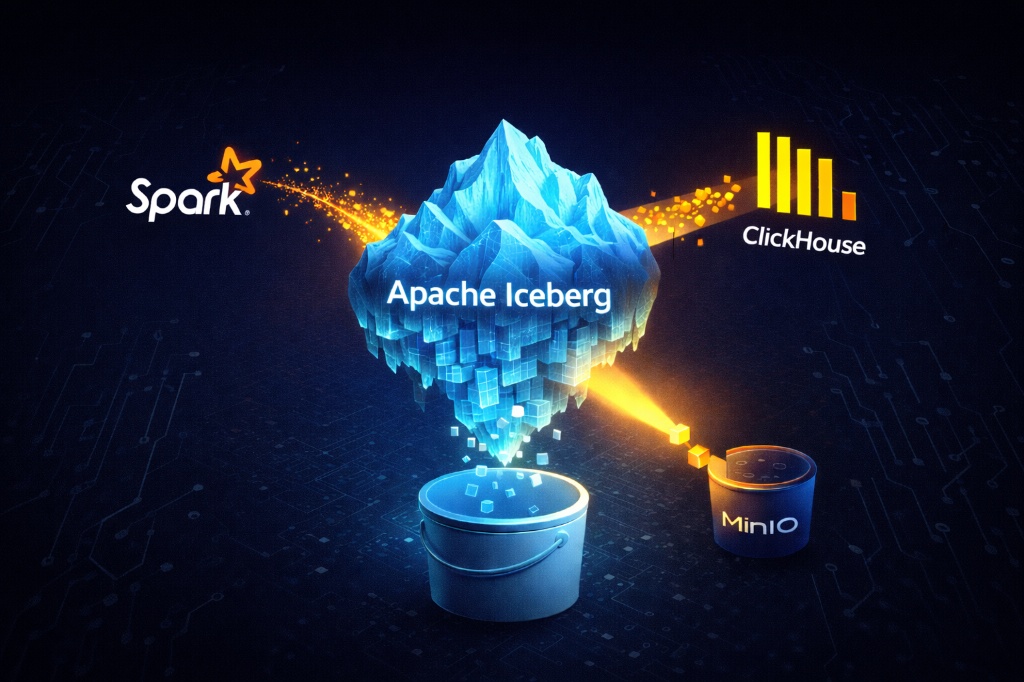
In this hands-on walkthrough, we demonstrate how ClickHouse can query Apache Iceberg tables directly using metadata-first access – without ingesting data.
To keep the setup reproducible and easy to follow, the entire environment runs locally using Docker, with:
- Spark acting as the Iceberg writer
- MinIO providing S3-compatible object storage
- ClickHouse acting as a read-only query engine
In practice, Docker is used only for convenience; however, the architecture closely mirrors real production lakehouse deployments.
What We’re Building
We’ll build a minimal but realistic pipeline:
- Spark writes data into an Iceberg table
- Apache Iceberg manages table metadata and snapshots
- MinIO stores data and metadata in object storage
- ClickHouse queries the Iceberg table directly from storage
Key principle:
ClickHouse is a reader, not a writer.
Architecture Overview
The flow looks like this:
- Spark writes data into Iceberg tables stored in MinIO
- Iceberg generates metadata files and snapshots
- At query time ClickHouse reads Iceberg metadata
- As as result, ClickHouse selectively scans only required Parquet files
Overall, there is no ingestion, duplication, or background services involved.
Environment Setup (Docker-based)
To keep the setup reproducible, we use Docker Compose to run all components locally.
Services involved:
- MinIO (object storage)
- Spark (Iceberg writer)
- ClickHouse (Iceberg reader)
Once all containers are started, verify that:
- MinIO is accessible
- Spark container is running (idle, waiting for jobs)
- ClickHouse server is up

Output of docker compose ps showing MinIO, Spark, and ClickHouse running
Creating the Iceberg Warehouse
Step 1: Create the bucket
Using the MinIO Console, create a bucket named:
lakehouseThis bucket acts as the Iceberg warehouse root.
At this stage:
- No tables exist
- No metadata exists
- Only storage is prepared
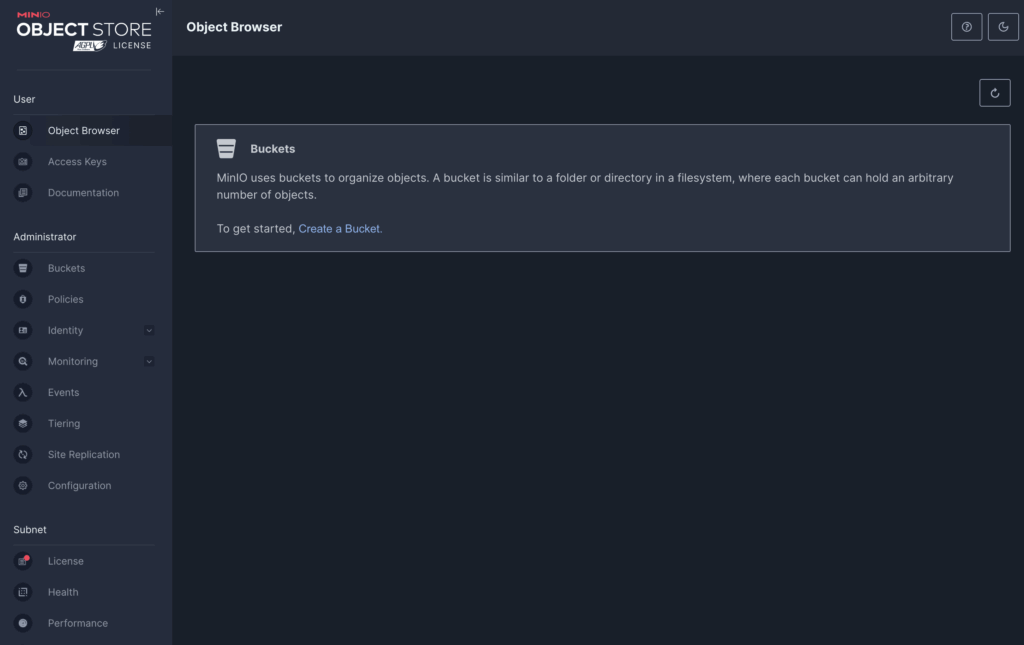
MinIO Console home screen after login
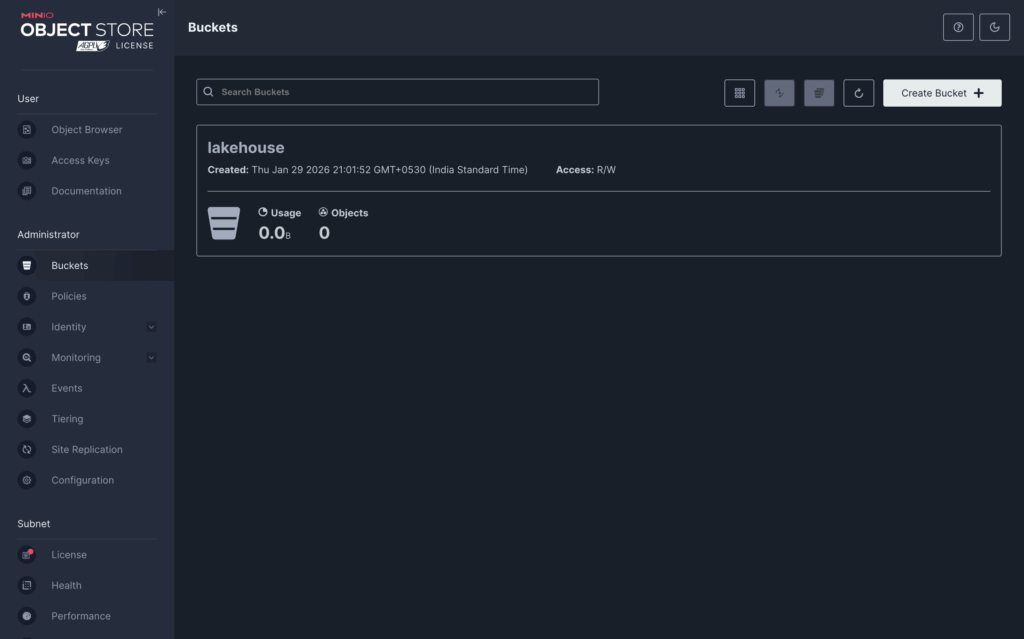
lakehouse bucket visible in MinIO
Writing Data into an Iceberg Table
Step 2: Run a Spark Iceberg writer
We run a small PySpark application that:
- Enables Iceberg extensions in Spark
- Configures a Hadoop catalog backed by S3-compatiable storage (MinIO)
- Writes a tiny dataset into an Iceberg table
Although we use PySpark, the actual execution happens inside Spark’s JVM. Python only acts as a control layer.
When the Spark job runs, Iceberg is created automatically:
- Parquet data files are written to object storage
- Iceberg metadata files and snapshots are generated
At this stage, the table exists entirely in object storage.
No manual table creation is required.
Inspecting Iceberg Metadata (Key Section)
After the Spark job completes, inspect the contents of the lakehouse bucket.
You should see a structure similar to:
lakehouse/
└── warehouse/
    └── logs/
        ├── data/
        │   └── *.parquet
        └── metadata/
            ├── v1.metadata.json
            ├── snap-*.avro
            └── manifest-*.avro
This is the most important insight:
Apache Iceberg is not a database service.
It is a metadata-driven table format stored entirely in object storage.
The metadata/ directory is what enables efficient querying.
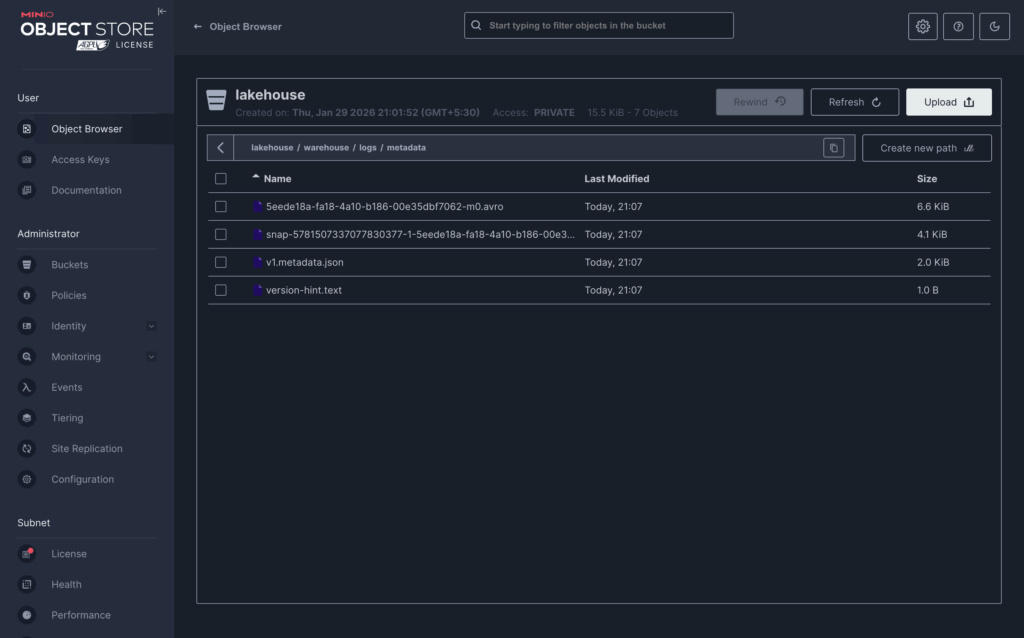
MinIO view showing data/ and metadata/ folders
Querying the Iceberg Table from ClickHouse
Now comes the payoff.
ClickHouse can query Iceberg tables using the Iceberg table function, which:
- Reads Iceberg metadata
- Resolves the active snapshot
- Identifies the relevant Parquet files
- Reads only those files from object storage
Basic query
SELECT *
FROM iceberg(
  'http://minio:9000/lakehouse/warehouse/logs',
  'minio',
  'minio123'
);
Result:
┌─id─┬─tool───────┬─dt─────────┐
│  1 │ clickhouse │ 2026-01-01 │
│  2 │ iceberg    │ 2026-01-02 │
│  3 │ spark      │ 2026-01-03 │
└────┴────────────┴────────────┘
This confirms:
- ClickHouse successfully read Iceberg metadata
- The correct snapshot was resolved
- Data was queried directly from MinIO
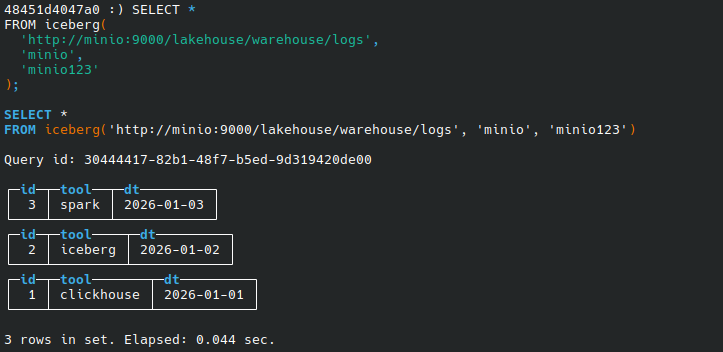
ClickHouse client showing query output
Trade-offs
Pros
- Shared data lake across engines
- No ingestion or duplication
- Strong schema and snapshot guarantees
Cons
- Slightly higher latency than native ClickHouse tables
- Not ideal for ultra-low-latency OLAP workloads
- Additional operational complexity
When Should You Use This?
Use ClickHouse with Iceberg when:
- Object storage is your source of truth
- Multiple engines need access to the same data
- Table-level guarantees matter
Consider ingesting into ClickHouse when:
- ClickHouse is the only analytics engine
- You need maximum performance with minimal latency
Conclusion
This hands-on walkthrough demonstrates how a metadata-first lakehouse workflow works in practice.
- Apache Iceberg provides database-like guarantees on object storage through snapshots and manifests
- Spark acts as the table authoring engine, responsible for creating and evolving Iceberg tables
- ClickHouse leverages Iceberg metadata to query data efficiently without ingestion or duplication
Together, Spark, Iceberg, and ClickHouse form a decoupled but well-defined architecture, where each system focuses on what it does best: Spark for writing, Iceberg for governance, and ClickHouse for fast analytical reads.
References
Apache-Iceberg blog
Apache Iceberg Documentation
ClickHouse Iceberg Table Function
Apache Spark Iceberg Integration
MinIO S3 Compatibility