Introduction
As applications grow, traditional relational databases such as MySQL may struggle with analytical workloads involving millions of records and complex aggregations. While MySQL excels at Online Transaction Processing (OLTP), ClickHouse® is purpose-built for Online Analytical Processing (OLAP), enabling lightning-fast analytical queries on large datasets.
Migrating data from MySQL to ClickHouse® allows organizations to build high-performance reporting systems, dashboards, and real-time analytics without impacting transactional workloads.
In this blog, you'll learn several approaches to migrate data from MySQL to ClickHouse®, along with their advantages, limitations, and best use cases.
Why Migrate from MySQL to ClickHouse®?
MySQL and ClickHouse® are designed for different workloads.
| Feature | MySQL | ClickHouse® |
|---|---|---|
| Storage model | Row-based | Columnar |
| Best for | Transactions (OLTP) | Analytics (OLAP) |
| Query speed | Fast for row reads | Extremely fast for scans |
| Aggregation speed | Moderate | Extremely fast |
| Scalability | Vertical | Horizontal |
| Use Cases | Best for applications | Best for reporting and analytics |
Migration from MySQL to ClickHouse® makes sense when:
- Analytical queries are becoming slow on MySQL.
- You need real-time dashboards over large datasets.
- Reporting queries are impacting your production database.
- You are processing millions or billions of rows regularly.
Migration Architecture
                                    MySQL
                                      │
                                      ▼
                                Export / Sync
                                      │
                                      ▼
                              Data Transformation
                                      │
                                      ▼
                                 ClickHouse®
                                      │
                                      ▼
                             Dashboards / Analytics
Migration Methods
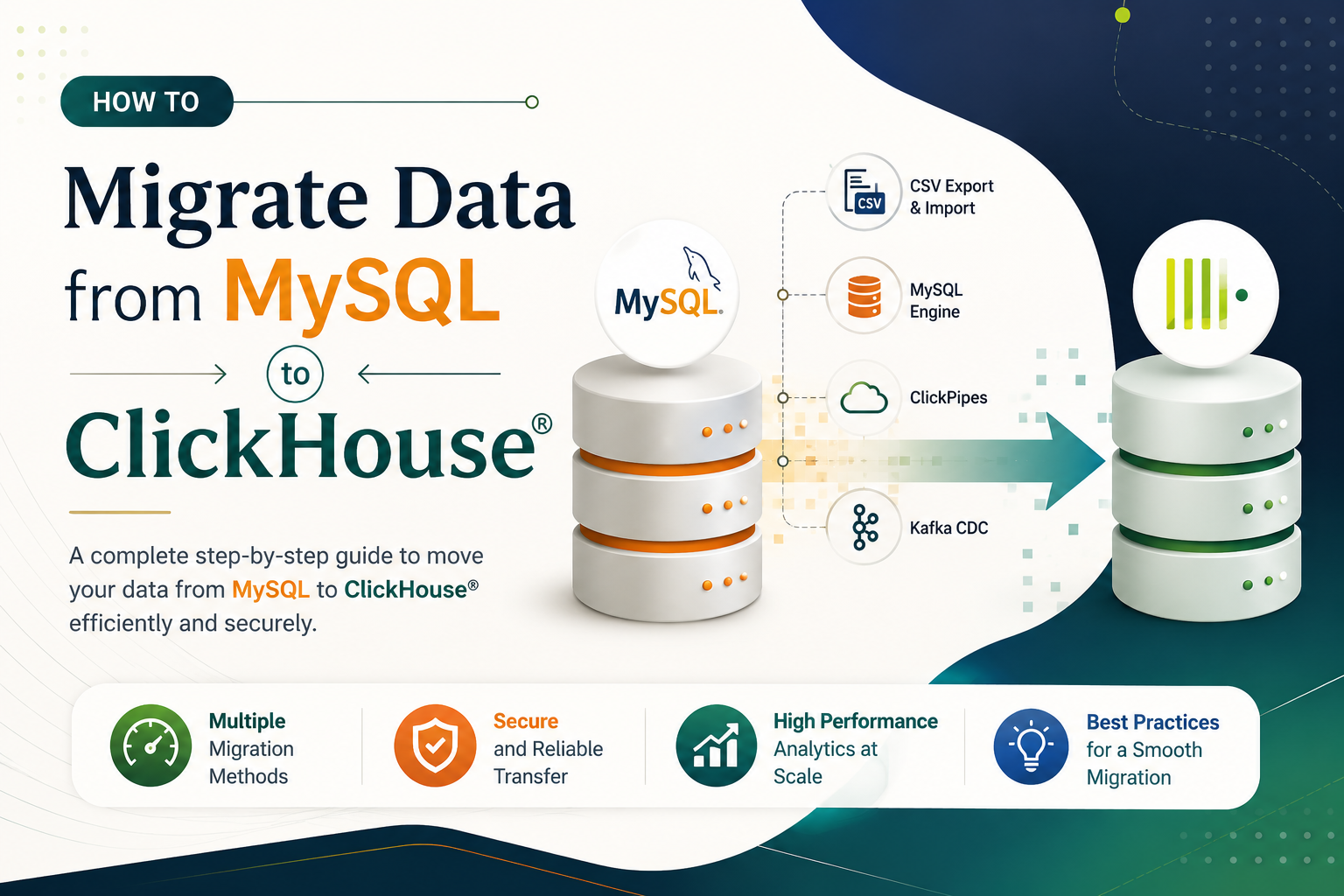
There are several ways to migrate data from MySQL to ClickHouse®.
Method 1: CSV Export and Import (Recommended for Beginners)
This is the most straightforward approach for a one-time bulk migration of historical data.
Step 1: Export Data from MySQL as CSV
-- Run in MySQL
SELECT *
INTO OUTFILE '/tmp/employees.csv'
FIELDS TERMINATED BY ','
ENCLOSED BY '"'
LINES TERMINATED BY '\n'
FROM employees;
Alternatively, use the mysql CLI:
mysql -u root -p mydb \
  -e "SELECT * FROM employees" \
  | sed 's/\t/,/g' > /tmp/employees.csv
Step 2: Create the Target Table in ClickHouse®
Before importing data, create the corresponding MergeTree table in ClickHouse®. Note that MySQL data types need to be mapped to ClickHouse® equivalents.
CREATE TABLE employees
(
    id          UInt32,
    name        String,
    department  String,
    salary      Float64
)
ENGINE = MergeTree
ORDER BY id;
Step 3: Import CSV into ClickHouse®
Using clickhouse-client:
clickhouse-client \
  --query "INSERT INTO employees FORMAT CSV" \
  < /tmp/employees.csv
Using the HTTP API:
curl -u default:password \
  "http://localhost:8123/?query=INSERT+INTO+default.employees+FORMAT+CSV" \
  --data-binary @/tmp/employees.csv
Step 4: Verify the Import
SELECT count() FROM default.orders;Output:
| count() |
|---|
| 5 |
Method 2: Using the MySQL Table Engine
ClickHouse® can directly query MySQL tables without importing data. Furthermore, this approach allows you to copy data entirely within ClickHouse® using a single command.
Step 1: Create MySQL Engine Table
CREATE TABLE mysql_employees
(
    id          UInt32,
    name        String,
    department  String,
    salary      Float64
)
ENGINE = MySQL(
    'localhost:3306',   -- MySQL host and port
    'mydb',             -- MySQL database name
    'employees',        -- MySQL table name
    'readonly_user',    -- MySQL username
    'password'          -- MySQL password
);
Now you can query the MySQL table directly:
SELECT * FROM mysql_employees;Step 2: Create the MergeTree Storage Table
CREATE TABLE employees
(
    id          UInt32,
    name        String,
    department  String,
    salary      Float64
)
ENGINE = MergeTree
ORDER BY id;
Step 3: Copy Data in One Command
Once the MySQL engine is configured, migrate the data using INSERT INTO ... SELECT:
INSERT INTO employees
SELECT *
FROM mysql_employees;
This is useful for quickly copying an entire table.
Step 4: Verify
SELECT *
FROM employees
LIMIT 5;
This is the recommended approach for most one-time migrations as it is clean, fast, and entirely within ClickHouse®.
Method 3: Using ClickPipes (ClickHouse Cloud)
For ClickHouse Cloud users, ClickPipes provides a fully managed data ingestion service. The migration process is straightforward:
- Create a ClickPipe
- Connect your MySQL database
- Select the tables to synchronize
- Start continuous replication
Advantages:
- Managed service
- Incremental synchronization
- Minimal maintenance
Limitations:
- Available only in ClickHouse Cloud
Method 4: Real-Time Migration Using Kafka
For continuous real-time synchronization between MySQL and ClickHouse®, Change Data Capture (CDC) with Debezium is the most robust approach. It captures every INSERT, UPDATE, and DELETE in MySQL and streams them into ClickHouse® via Kafka.
Architecture
                                  MySQL (Source)
                                       │
                                       ▼
                            Debezium (captures changes)
                                       │
                                       ▼
                               Kafka (event stream)
                                       │
                                       ▼
                             ClickHouse® Kafka Engine
                                       │
                                       ▼
                                Materialized View
                                       │
                                       ▼
                                 MergeTree Table
This approach continuously replicates MySQL changes into ClickHouse®.
Best suited for:
- Event streaming
- Real-time dashboards
- IoT
- Monitoring systems
Setting up Debezium is covered in detail in a separate blog.
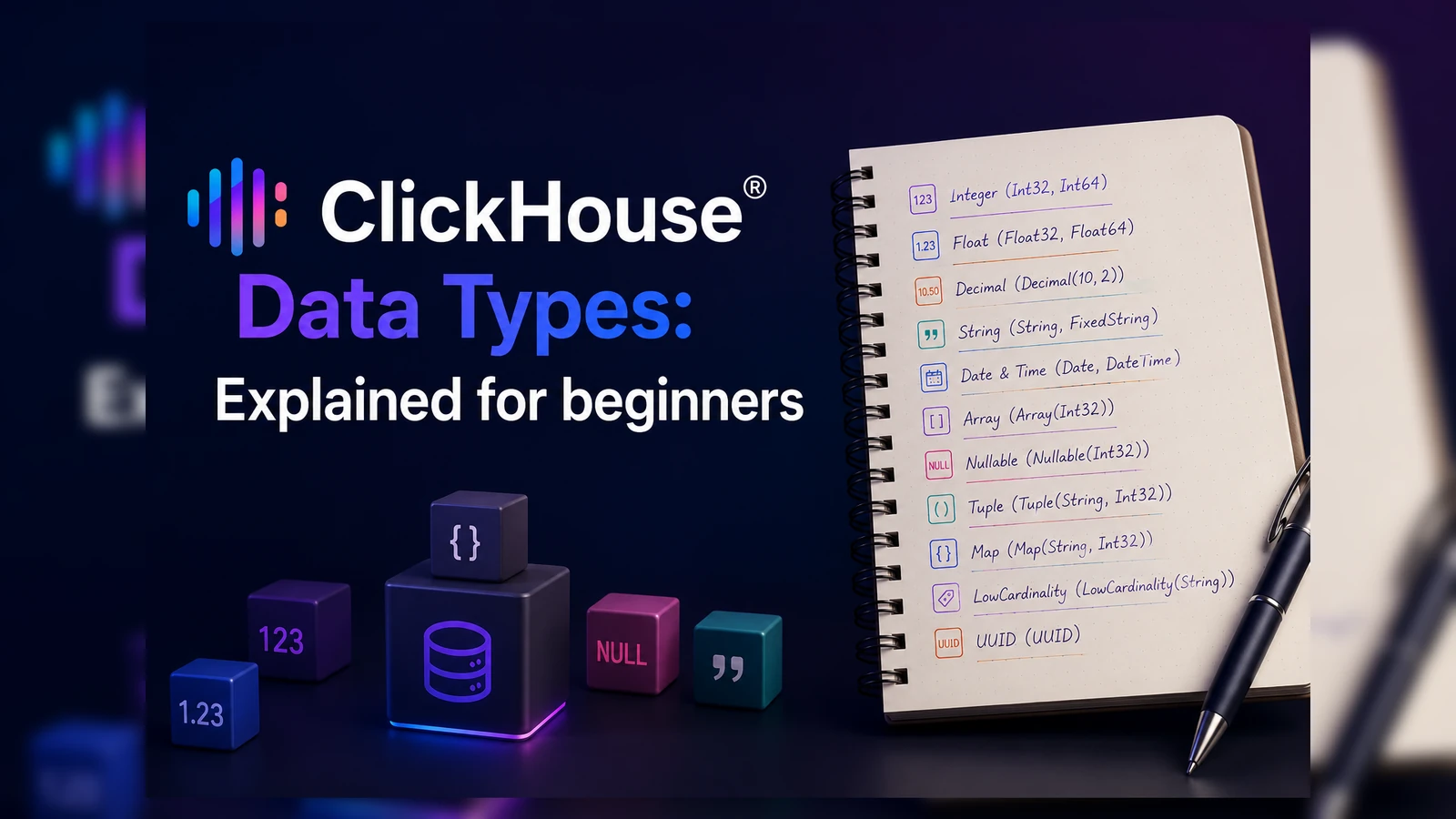
MySQL to ClickHouse® Data Type Mapping
| **MySQL Type ** | ClickHouse® Type |
|---|---|
| INT | Int32 or UInt32 |
| BIGINT | Int64 or UInt64 |
| VARCHAR(n) | String |
| TEXT | String |
| DECIMAL(p,s) | Decimal(p,s) |
| FLOAT | Float32 |
| DOUBLE | Float64 |
| DATETIME | DateTime |
| DATE | Date |
| TINYINT(1) | UInt8 (Bool) |
| JSON | String |
Verify the Migration
After migrating data, always verify that the row counts and aggregations match between MySQL and ClickHouse®.
Row count check:
-- MySQL
SELECT COUNT(*) FROM orders;

-- ClickHouse®
SELECT count() FROM default.orders;
Both queries should return identical results. If they don't, check for data type mismatches, NULL handling differences, or missing rows during export.
Best Practices
Schema Design Tips for Migration
1. Choose the right ORDER BY
Unlike MySQL's primary key, ClickHouse®'s ORDER BY determines the physical sort order of data. Choose columns you frequently filter on:
ORDER BY (country, status, order_date)2. Use LowCardinality for string columns
Columns like country and status have few distinct values. Wrapping them with LowCardinality improves compression and query speed:
country LowCardinality(String),
status  LowCardinality(String)
3. Partition by time
For time-series or date-based data, always partition by month or day:
PARTITION BY toYYYYMM(order_date)4. Drop AUTO_INCREMENT
MySQL's AUTO_INCREMENT primary key has no equivalent in ClickHouse®. Use UInt32 or UInt64 for ID columns without any auto-increment behavior.
5. Handle NULLs carefully
ClickHouse® columns are NOT NULL by default. If your MySQL table has nullable columns, either use Nullable(Type) in ClickHouse® or replace NULLs with default values during migration:
-- Replace NULL with a default value during migration
SELECT
    id,
    COALESCE(department, 'Unknown') AS department
FROM default.mysql_employees;
Common Challenges
Data Type Mismatches Ensure compatible data types between MySQL and ClickHouse® using the mapping table above.
Duplicate Data Use primary keys or deduplication strategies when performing incremental loads.
Large Tables Split large datasets into batches to avoid excessive memory usage.
Character Encoding Ensure UTF-8 encoding for consistent text representation.
Performance Tips
- Use the MergeTree engine for analytical workloads.
- Use batch inserts instead of inserting rows individually.
- Compress data during migration.
- Choose a suitable partitioning strategy.
- Avoid unnecessary indexes - ClickHouse® relies on sorting and data skipping indexes instead.
Quick Reference
| Scenario | Recommended Method |
|---|---|
| One-time migration | CSV Export and Import |
| Direct access to MySQL | MySQL Table Engine |
| Full table migration | INSERT INTO ... SELECT |
| Continuous synchronization | ClickPipes |
| Real-time streaming | Kafka + Debezium |
Final Thoughts
Migrating data from MySQL to ClickHouse® is a practical step for teams that need faster analytical queries without replacing their existing transactional database. MySQL continues to handle application writes and transactional operations, while ClickHouse® takes over the heavy analytical workload.
For most teams, the INSERT INTO ... SELECT approach via the MySQL engine is the simplest and most reliable method for a one-time migration. For real-time continuous sync, Debezium CDC provides a robust and production-ready solution.
With the right schema design and migration approach, ClickHouse® can dramatically improve your analytical query performance from day one.