

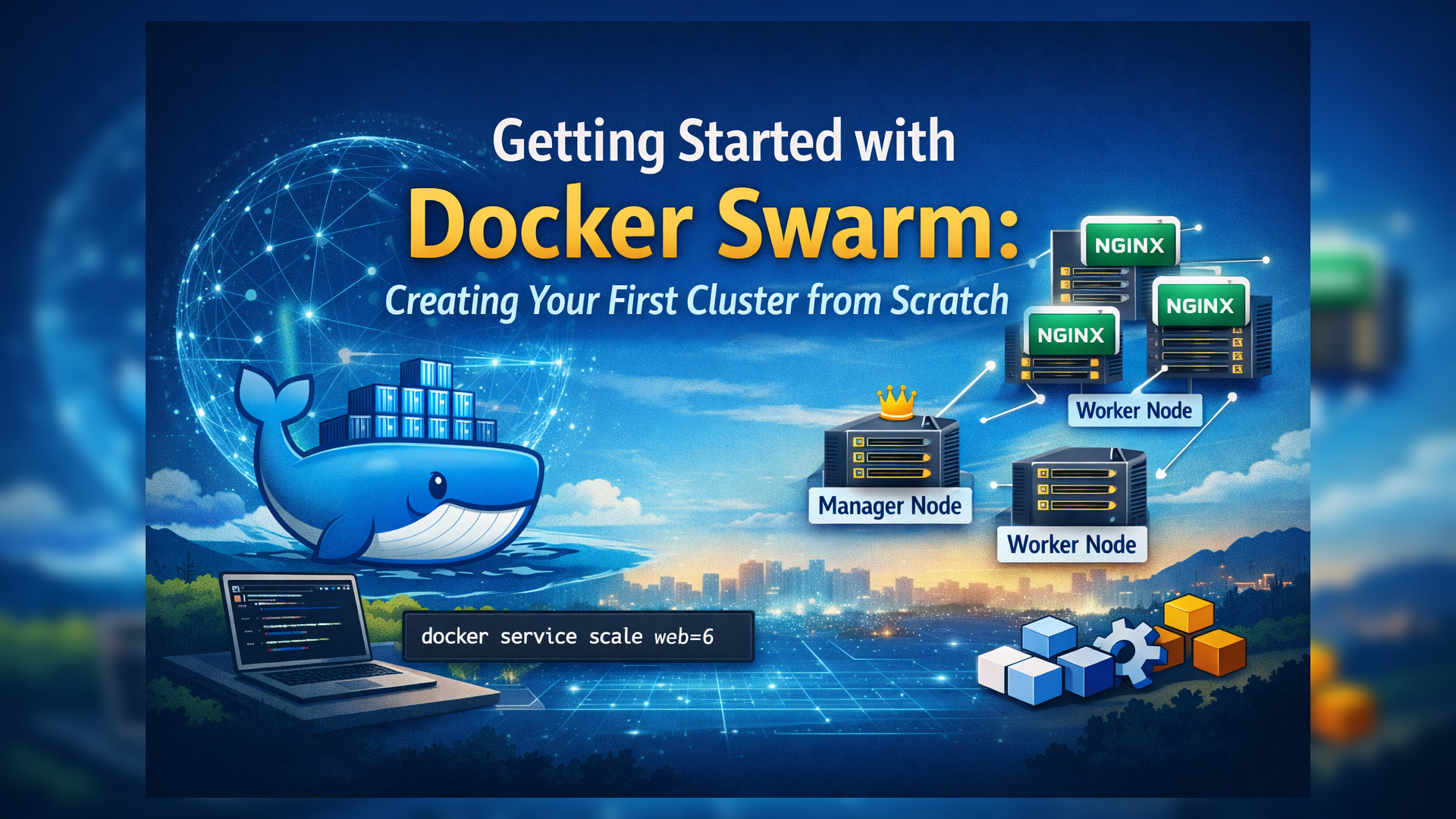
Containerized applications often need to run across multiple machines for high availability, scalability, and fault tolerance. Docker Swarm is Docker’s native clustering and orchestration tool that helps you achieve this with minimal setup. This blog will walk you through the complete process of Docker Swarm cluster setup from scratch.
What Is Docker Swarm?
Docker Swarm is Docker’s built-in container orchestration solution that allows you to:
- Group multiple Docker hosts into a single cluster.
- Deploy services across multiple nodes.
- Automatically handle load balancing and scaling.
For a complete introduction to Docker Swarm concepts, refer to my earlier post: Docker Swarm vs Kubernetes.
Cluster Setup Overview
To build a Docker Swarm cluster, we need multiple machines (nodes). There are several ways to create these nodes:
- Using Cloud VMs
- Using Local VMs (VirtualBox / VMware)
- Using Multipass
In this blog, we’ll use Multipass.
What Is Multipass?
Multipass is a lightweight tool that lets you quickly create and manage Ubuntu virtual machines on your local system. Think of it as running small “mini computers” inside your laptop.
In short:
Multipass = Fastest way to spin up Ubuntu VMs with one command.
PART 1: Node Creation Using Multipass
Install Multipass
sudo snap install multipassCreate 3 Nodes
multipass launch -n node1
multipass launch -n node2
multipass launch -n node3
PART 2: Install Docker on All Nodes
Log in to each node one by one:
multipass shell node1Run the following commands on node1, node2, and node3:
sudo apt update
sudo apt install -y docker.io
sudo systemctl enable docker
sudo systemctl start docker
Exit the node after installation:
exitPART 3: Initialize Docker Swarm (Manager Node)
We’ll make node1 the Swarm Manager.
Get Node IP Addresses
multipass listInitialize Swarm on node1
sudo docker swarm init --advertise-addr <node1-ip-address>After successful initialization, Docker will output a join token command like:
docker swarm join --token SWMTKN-1-xxxxxx <manager-ip>:2377.....Copy this token
PART 4: Add Worker Nodes to the Cluster
Go to node2 and node3, and paste the join token command, copied from the manager node:
docker swarm join --token SWMTKN-1-xxxxxx <manager-ip>:2377....If successful, you’ll see output like :
This node joined a swarm as a workerPART 5: Verify Cluster Status
On node1, run:
docker node lsYou should now see:
- node1 → Manager
- node2 → Worker
- node3 → Worker
Your Docker Swarm cluster is now ready.
PART 6: Deploy a Service to the Cluster
Let’s deploy an NGINX service across the cluster.
On node1, run
docker service create \
  --name web \
  --replicas 3 \
  -p 8080:80 \
nginx- This command creates a new service named web.
- Swarm spreads the 3 replicas across the 3 nodes automatically.
- Port 8080 on any node will show the NGINX webpage.
Check Service Status
docker service ps webYou’ll notice that containers are distributed across all nodes.
🌐 Open your browser:
http://<any-node-ip>:8080You’ll see the NGINX welcome page.
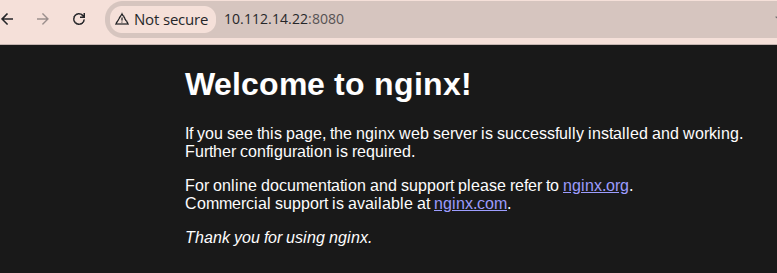
NGINX running on Docker Swarm service accessed via node IP
PART 7: Scale the Cluster Workload
Docker Swarm makes scaling effortless.
docker service scale web=6This command scales the service to 6 containers (replicas), and the Swarm automatically distributes them across the existing nodes.
Final Cluster Summary
- Nodes: 3 (1 Manager, 2 Workers)
- Orchestrator: Docker Swarm
- Service: NGINX
- Load Balancing: Built-in
- Scaling: Automatic
Now, the Docker Swarm cluster setup is running successfully.
Conclusion
Docker Swarm is an excellent starting point for learning container orchestration. The entire setup is simple, lightweight, and can be recreated on any system that supports Multipass. This makes it ideal for learning, experimenting, and testing new features without needing cloud servers.
Docker Swarm’s simplicity makes it one of the easiest ways to understand container orchestration before moving to larger systems like Kubernetes. It helps you master core concepts like nodes, services, replicas, and load balancing.
Reference
Docker Swarm Overview – https://docs.docker.com/engine/swarm
Create a Swarm – https://docs.docker.com/engine/swarm/swarm-tutorial/create-swarm
Join Nodes to a Swarm – https://docs.docker.com/engine/swarm/join-nodes