Introduction
ClickHouse® is designed for high-performance analytical workloads, capable of ingesting millions of rows per second while maintaining fast query performance. One of the key architectural concepts behind this performance is the way ClickHouse® stores data internally using data parts.
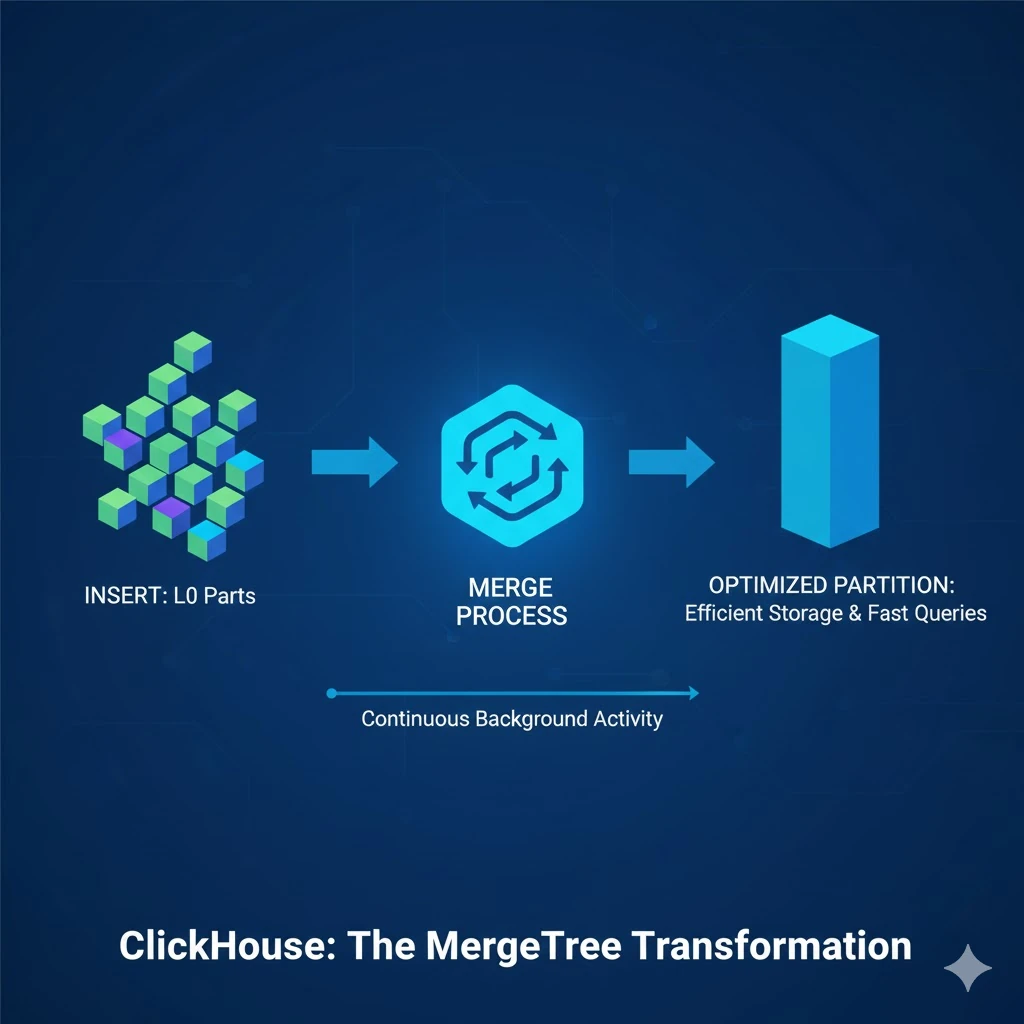
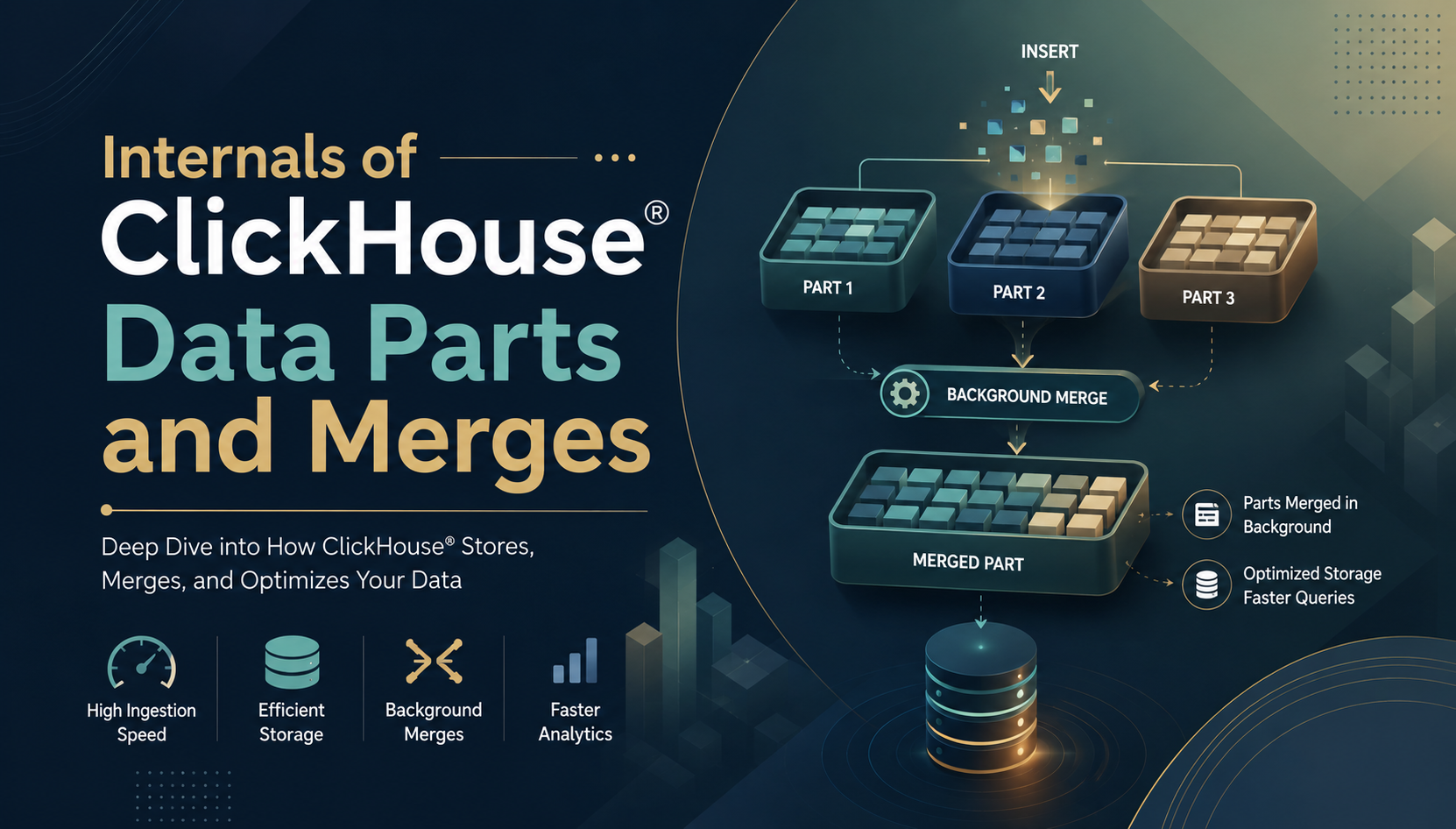
When you insert data into ClickHouse®, it does not immediately land in a single organized file. Instead, ClickHouse® writes data into small chunks called data parts, and then gradually merges them together in the background. This is the foundation of how ClickHouse® achieves both high write throughput and fast analytical queries.
Understanding how data parts and merges work helps you design better tables, troubleshoot performance issues, and avoid common mistakes like inserting data too frequently in small batches.
In this blog, we'll explore what data parts are, how merges work, how to monitor them, and best practices for working with ClickHouse®'s merge-based storage model.
What Are Data Parts?
A data part is the smallest physical storage unit in a MergeTree table. Whenever data is inserted into a MergeTree table, ClickHouse® creates a new immutable data part.
Each data part contains:
- Column files
- Index files
- Mark files
- Checksums
- Metadata
Why Does ClickHouse® Use Data Parts?
Instead of rewriting existing data, ClickHouse® appends new immutable parts.
Benefits include:
- Faster inserts
- Lock-free writes
- Better compression
- Efficient background optimization
- Improved query performance
How Data Parts Are Created
Every INSERT statement creates one new data part on disk, regardless of how many rows you insert.
CREATE TABLE default.orders (
    order_id UInt32,
    country LowCardinality(String),
    status LowCardinality(String),
    amount Float64,
    order_date Date
) ENGINE = MergeTree()
PARTITION BY toYYYYMM(order_date)
ORDER BY (country, status, order_date);
Insert 1 - creates Part 1:
INSERT INTO default.orders VALUES
(1, 'IN', 'completed', 1200.00, '2024-01-05'),
(2, 'US', 'pending', 450.00, '2024-01-06');
Insert 2 - creates Part 2:
INSERT INTO default.orders VALUES
(3, 'GB', 'completed', 890.00, '2024-01-07'),
(4, 'DE', 'cancelled', 300.00, '2024-01-08');
After these two inserts, ClickHouse® has two separate data parts on disk - not one combined table. Likewise after several inserts, the table may have multiple data parts.
The Problem with Too Many Parts
Each data part is a separate directory on disk. If you insert data too frequently in small batches, you end up with thousands of tiny parts. This causes:
- Slow queries - ClickHouse® has to open and read many small files instead of a few large ones
- High memory usage - each part requires metadata to be loaded into memory
- Too many open files - can hit OS file descriptor limits
- Background merge pressure - ClickHouse® works harder to merge parts
This is why ClickHouse® strongly recommends batch inserts, inserting thousands of rows at once rather than one row at a time.
What Happens During a Merge?
A merge is a background operation where ClickHouse® combines multiple smaller data parts into one larger part. After the merge completes, the old parts are marked inactive and eventually deleted from disk.
Before merge:
Part 1: [rows 1-2]
Part 2: [rows 3-4]
Part 3: [rows 5-6]
After merge:
Part 4: [rows 1-6] → merged part (sorted by ORDER BY)Old parts 1, 2, 3 → marked inactive → deletedMerges happen automatically in the background - you don't need to trigger them manually in most cases.
How Merges Work Internally
When ClickHouse® merges parts, it does the following:
1. Selects parts to merge
ClickHouse® uses an internal scoring algorithm to decide which parts to merge. It considers:
- Part size
- Number of parts in a partition
- Part age
- Available disk space
2. Reads and sorts data
ClickHouse® reads all rows from the selected parts and sorts them according to the table's ORDER BY key.
3. Writes the merged part
The sorted data is written into a new compressed part with updated index files.
4. Swaps the parts
The new merged part is atomically activated. Old parts are marked inactive.
5. Deletes old parts
After a configurable delay (old_parts_lifetime), the old parts are deleted from disk.
MergeTree Storage Architecture
A MergeTree table stores data as multiple independent data parts. Each data part is a self-contained storage unit that contains the data, indexes, and metadata required for efficient query execution.
Table
│
├── Part A
│     ├── Compressed Column Files (.bin)
│     ├── Mark Files (.mrk2)
│     ├── Primary Index (primary.idx)
│     ├── Checksums (checksums.txt)
│     └── Metadata (columns.txt)
│
├── Part B
│
└── Part C
Every part is independent.
This merge-based storage architecture is one of the primary reasons why the MergeTree family is the most widely used table engine in ClickHouse® for analytical workloads.
Why Are Merges Important?
Background merges help:
- Reduce the number of parts
- Improve query performance
- Increase compression ratio
- Minimize disk seeks
- Optimize storage
Without merges, thousands of small parts would slow down queries.
Monitoring Data Parts
ClickHouse® provides the system.parts table to monitor all data parts in your tables.
Viewing Data Parts
SELECT
    partition,
    name,
    rows,
    bytes_on_disk,
    active
FROM system.parts
WHERE database = 'default'
  AND table = 'orders'
  AND active = 1;
Output:
| partition | name | rows | bytes_on_disk | active |
|---|---|---|---|---|
| 202401 | 202401_1_1_0 | 2 | 1024 | 1 |
| 202401 | 202401_2_2_0 | 2 | 1024 | 1 |
** Part Naming Convention **
ClickHouse® uses a structured naming convention for data parts: {partition}{min_block}{max_block}_{level}
Example: 202401_1_3_1
202401→ partition (January 2024)1→ minimum block number3→ maximum block number1→ merge level (0 = fresh insert, 1 = merged once, 2 = merged twice)
The merge level tells you how many times a part has been merged. A higher level means the part is more consolidated.
Monitoring Background Merges
View currently running merges:
SELECT
    database,
    table,
    elapsed,
    progress,
    num_parts,
    result_part_name
FROM system.merges
WHERE database = 'default'
  AND table = 'orders';
Output:
| database | table | elapsed | progress | num_parts | result_part_name |
|---|---|---|---|---|---|
| default | orders | 2.3 | 0.65 | 4 | 202401_1_4_1 |
elapsed- how long the merge has been running in secondsprogress- how far along the merge is (0 to 1)num_parts- how many parts are being merged together
Triggering a Manual Merge
Although merges happen automatically, you can trigger one manually if needed - for example, after a large data load.
Merge all parts in a table:
OPTIMIZE TABLE default.orders;Merge all parts in a specific partition:
OPTIMIZE TABLE default.orders PARTITION '202401';Force merge into a single part (use carefully):
OPTIMIZE TABLE default.orders FINAL;Warning:
OPTIMIZE TABLE ... FINALforces all parts in every partition to merge into one. On large tables this is extremely resource-intensive and can impact query performance. Use it only during off-peak hours and only when necessary.
Best Practices
- Always insert in large batches - aim for at least 1,000 rows per insert, ideally 10,000 to 100,000 rows. This reduces the number of parts created.
- Monitor part count regularly - if any partition has more than 300 parts, investigate your insert pattern.
- Avoid OPTIMIZE TABLE FINAL on large tables in production - it is resource-intensive and blocks other operations.
- Use partitioning wisely - too many partitions create more parts. Partition by month (
toYYYYMM) rather than by day for most workloads. - Let background merges run - avoid killing merges unless absolutely necessary. ClickHouse® manages merge scheduling efficiently.
- Check system.merges regularly - if merges are consistently lagging, consider reducing insert frequency or increasing merge resources.
Common Mistakes
- Tiny inserts every second
- Running
OPTIMIZE FINALrepeatedly - Ignoring part count
- Creating too many partitions
- Disabling background merges
Data Parts vs Background Merges
| Data Parts | Background Merges |
|---|---|
| Created during inserts | Run automatically |
| Immutable | Combine multiple parts |
| Store table data | Improve storage efficiency |
| Queried directly | Execute in the background |
Conclusion
ClickHouse®'s data parts and merge model is the key to its exceptional write throughput and query performance. By storing data in immutable parts and merging them asynchronously, ClickHouse® delivers fast inserts, efficient compression, and high-speed analytical queries.
Understanding these internals helps you design better ingestion strategies, troubleshoot storage issues, optimize MergeTree tables, and maintain healthy production deployments. By monitoring system tables such as system.parts and system.merges, you can gain valuable insight into your database's storage behavior and ensure optimal performance as your datasets grow.
The most important takeaway is simple - always insert in large batches and let ClickHouse® handle the rest.